
v1.3.2
Native merchant app
Run your restaurant from anywhere
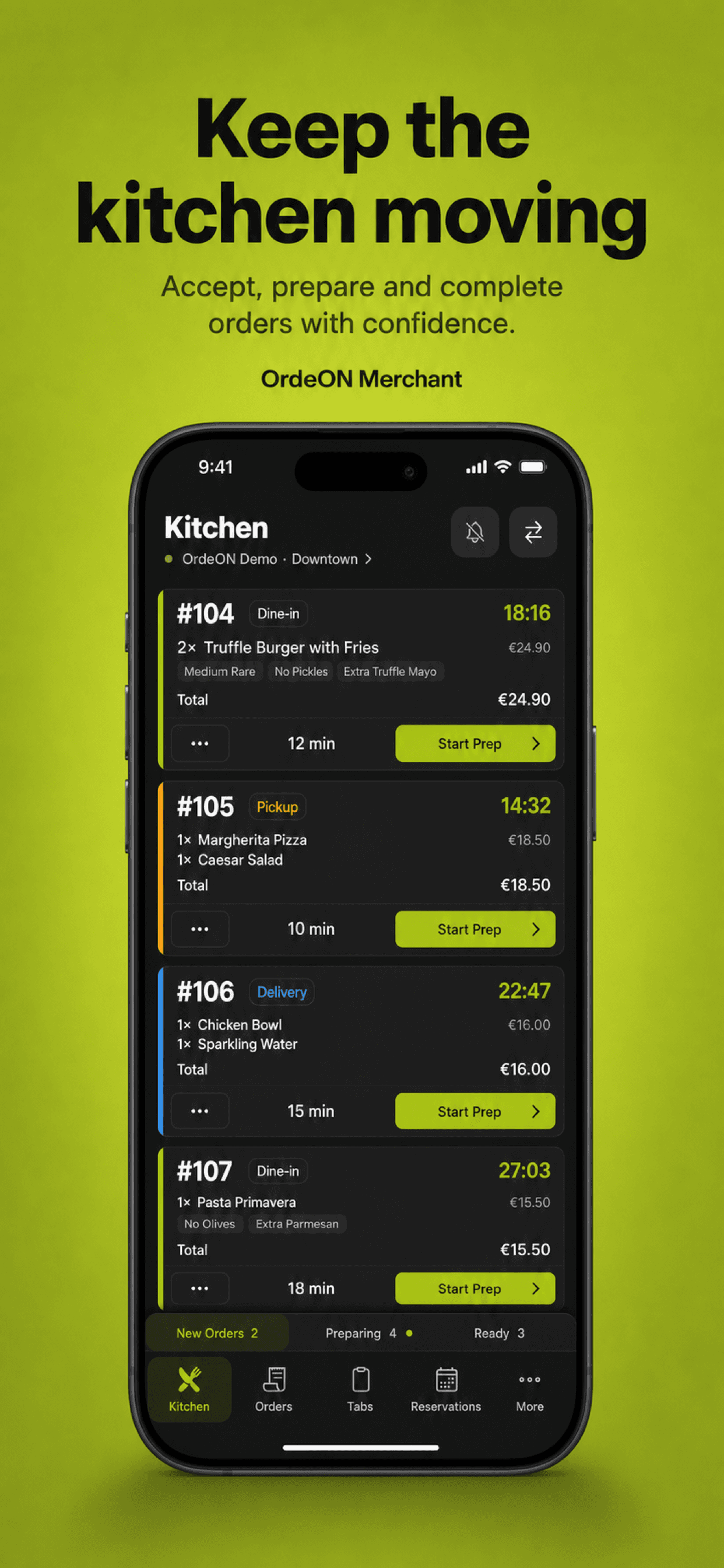
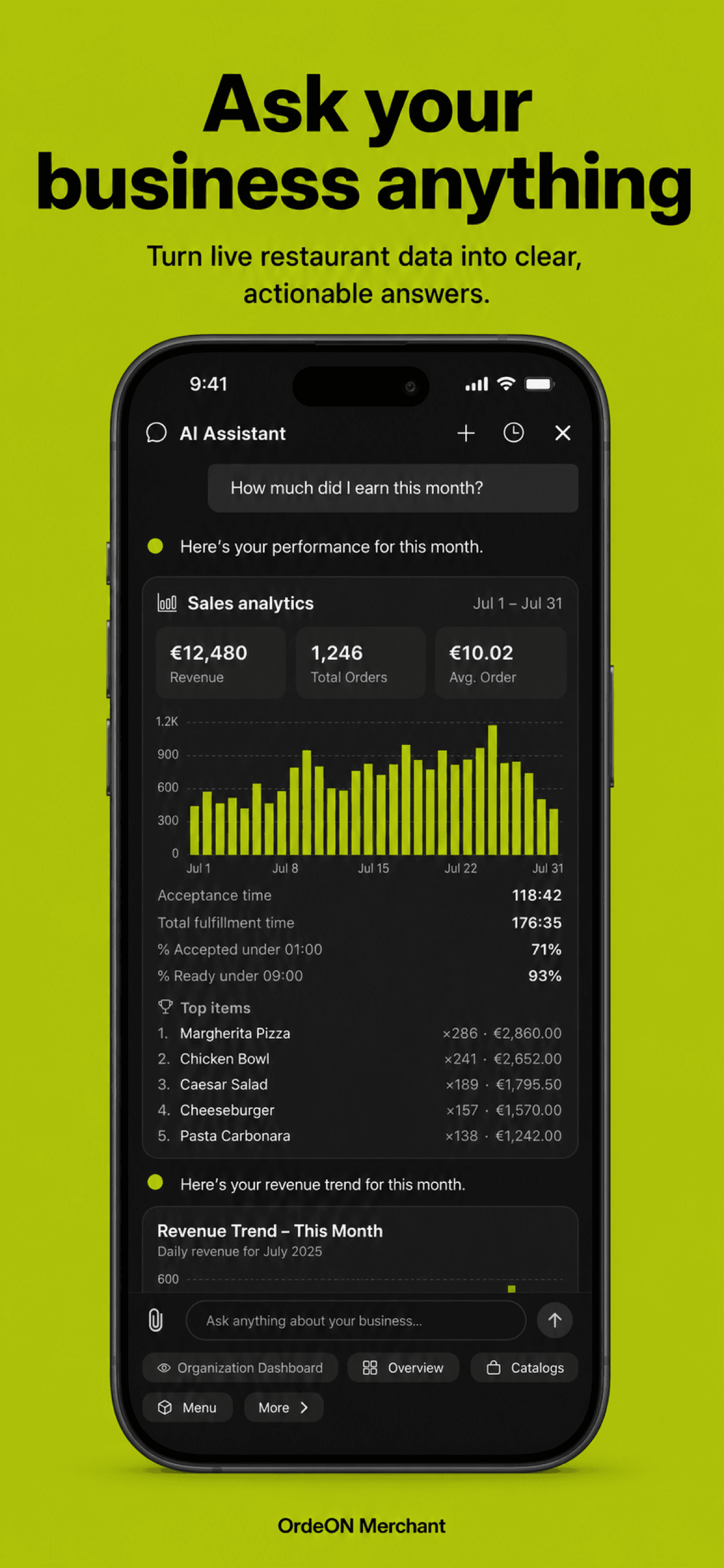
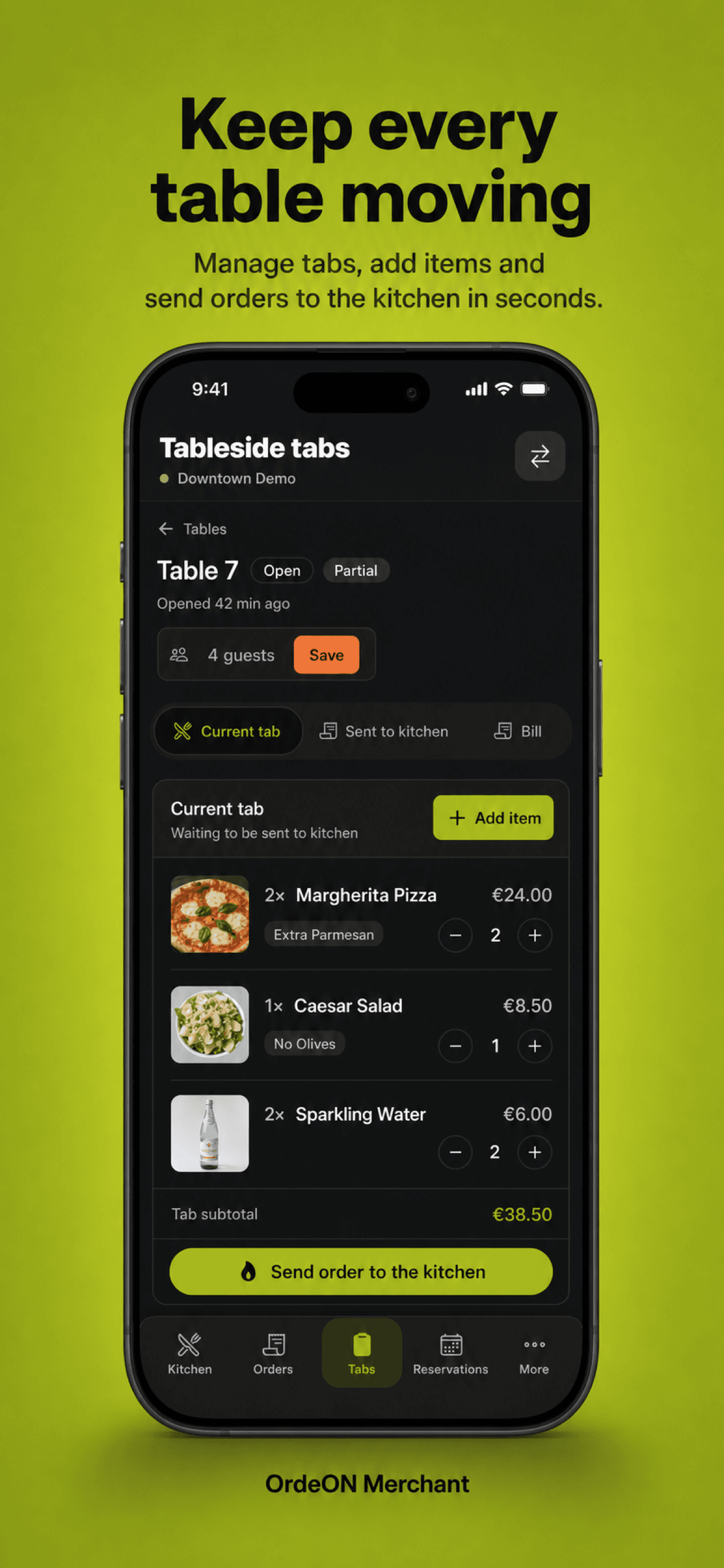
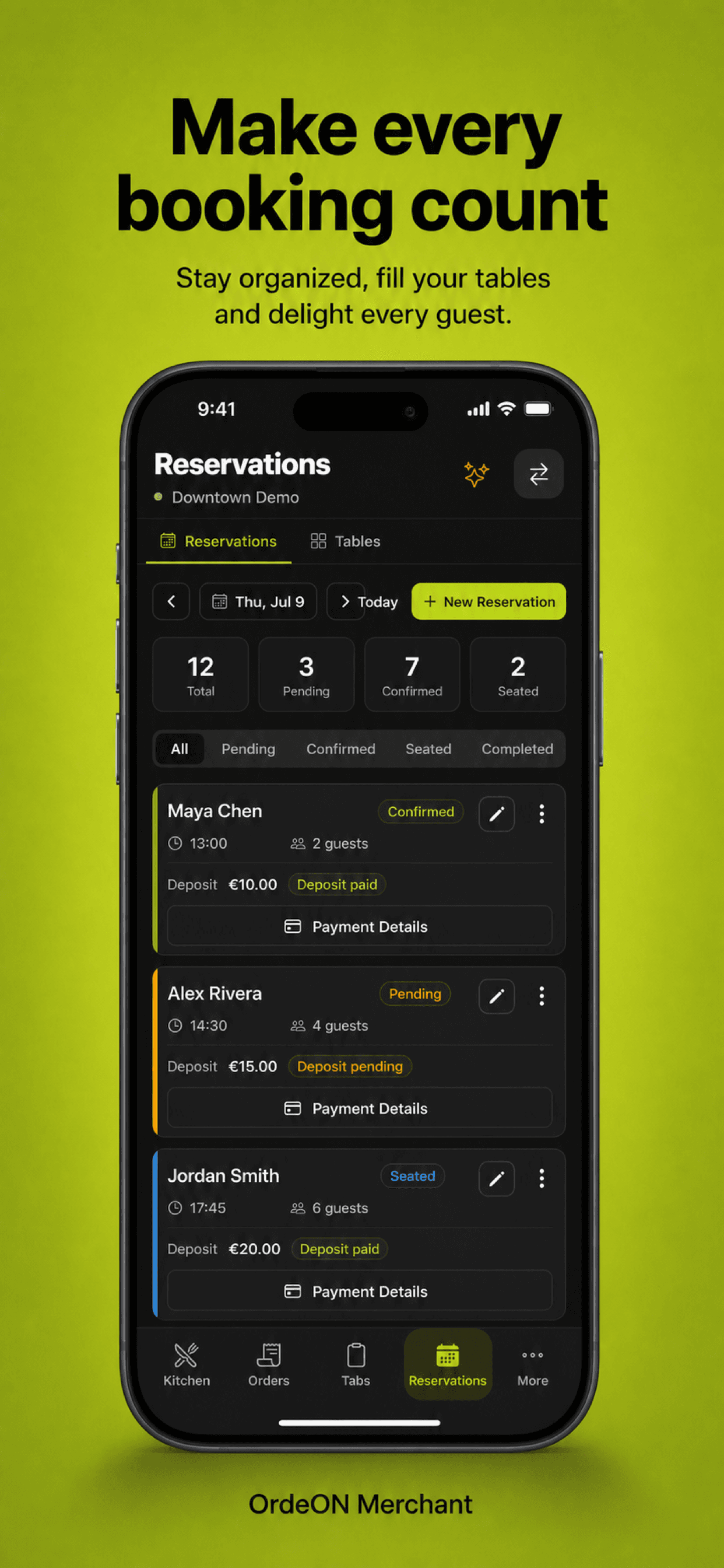
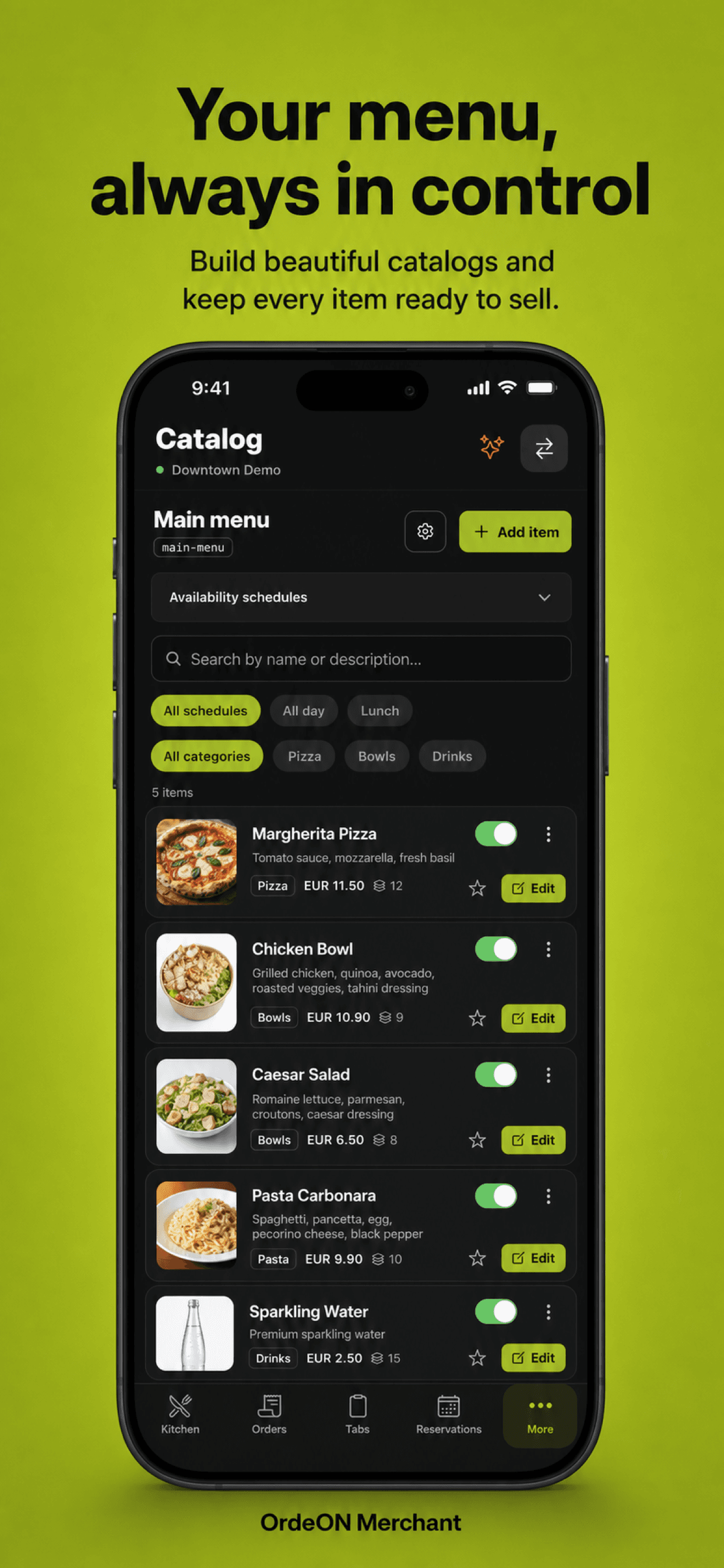
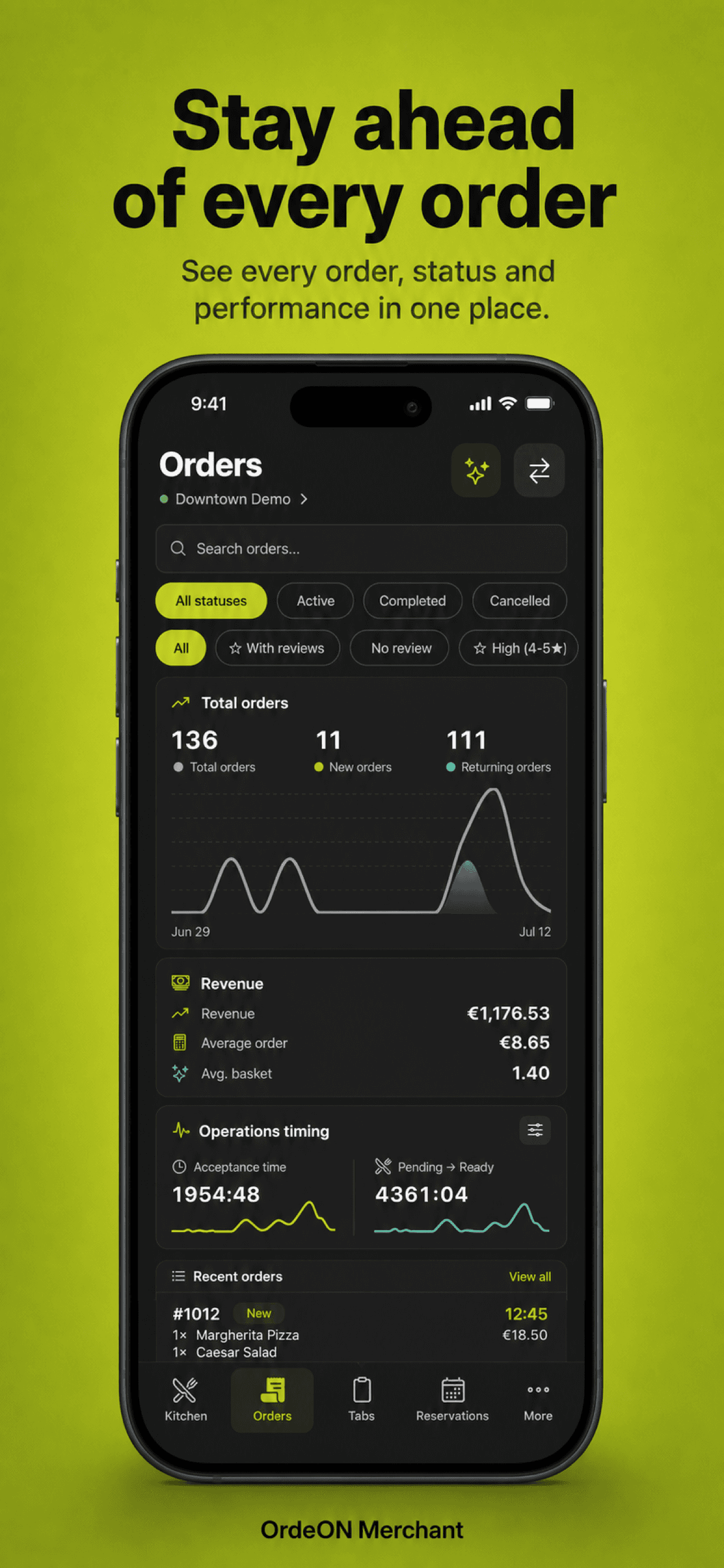
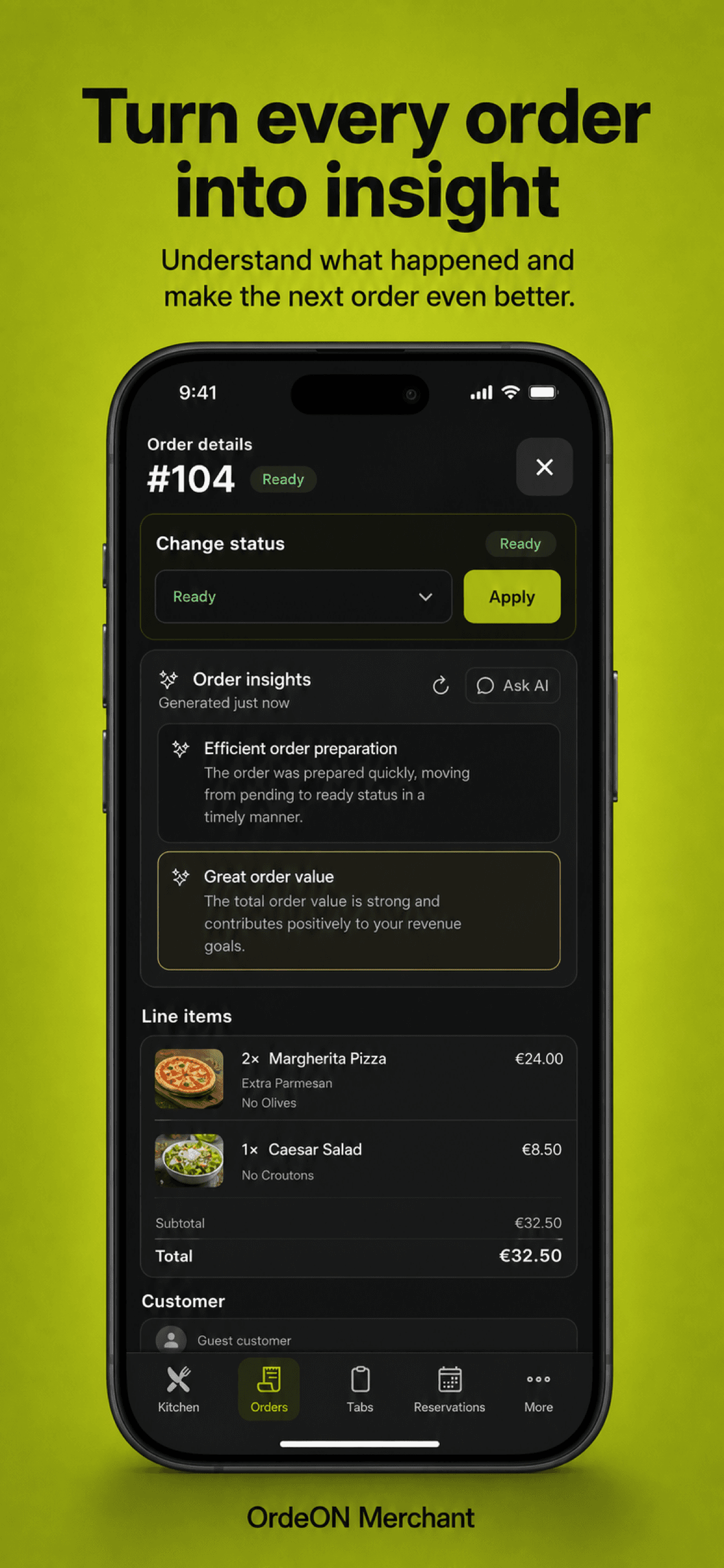
OrdeON Merchant puts orders, kitchen, menus, reservations, tables and service insights in one secure app for iPhone, iPad and Android.
Scroll to explore
Get the app
Android
Direct APK install for staff devices
Build 12
What's new
OrdeON Merchant 1.3.2 (Android 12 / iOS 20).
iPhone & iPad
Install via TestFlight while we finish App Store review
iOS 20
Install on Android
- 1Tap Download APK and save the file.
- 2Open the file. If prompted, allow installs from your browser or file manager.
- 3Complete the install, then open OrdeON Merchant.
- 4Sign in with your OrdeON merchant account.
Install on iPhone or iPad
- 1Tap Join on TestFlight and accept the invite in the TestFlight app.
- 2Install OrdeON Merchant from TestFlight.
- 3Open the app and sign in with your OrdeON merchant account.